
On this page
Four Twenty Cartel is an accessories retailer with two Johannesburg stores, in Rivonia and Norwood, serving customers aged 18 and over. We built its Next.js website from the shop's own photos and footage, with an honest catalogue and a store chooser. The site is built and tested, and it launches soon.
The business
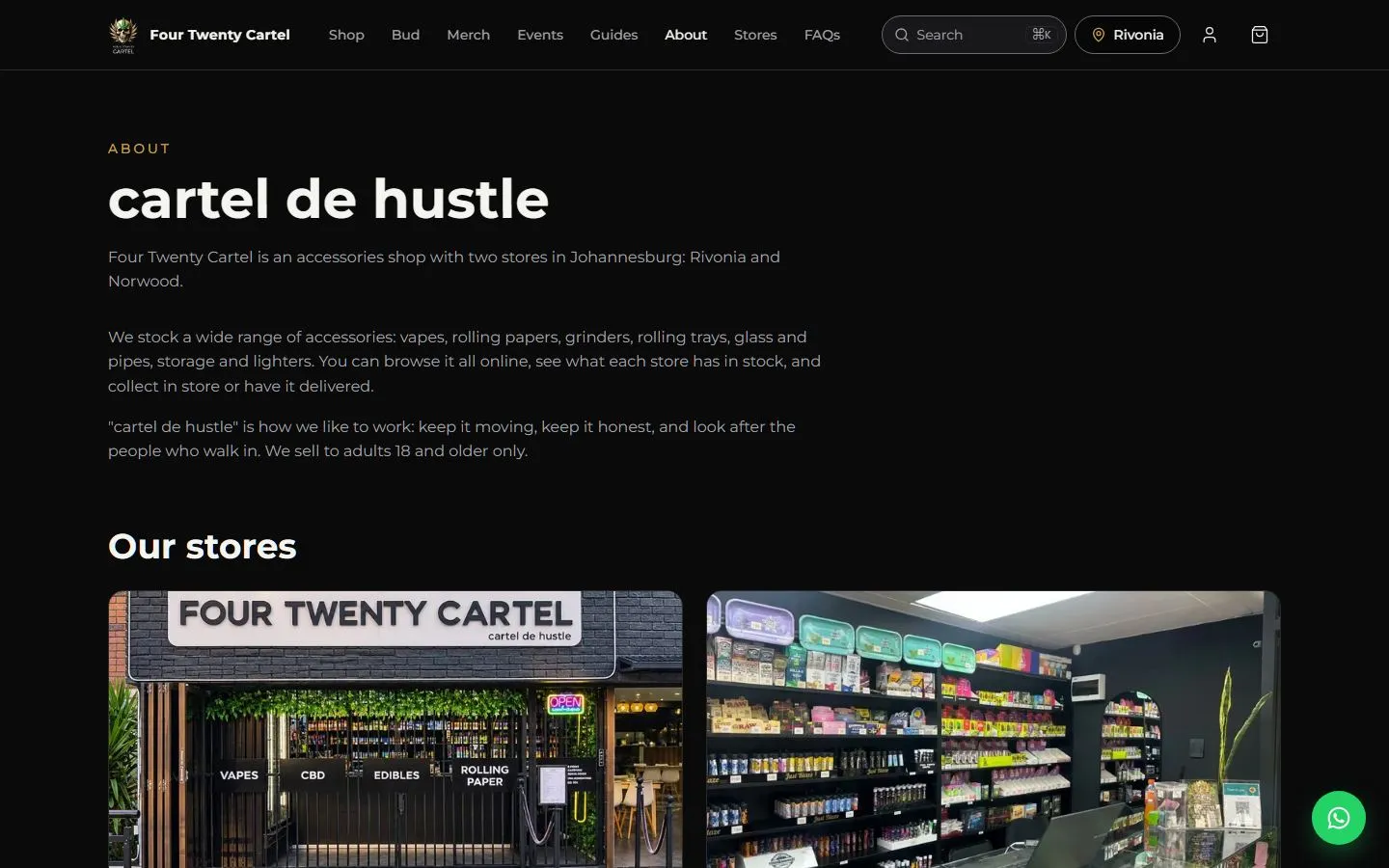
Four Twenty Cartel sells accessories from two stores in Johannesburg: Rivonia and Norwood. The shop serves customers aged 18 and over only, and the website has to respect that from the first screen.
The site is not public yet, so there is no link here. It launches soon. We are writing this up now because the decisions behind it are useful to any retailer planning a site, and none of them depend on the launch date.
The problem
A retail site can look impressive and still lose trust in one click. Stock scenery that is nothing like the shop, products with invented names, prices that are wrong, reviews that are not from your store: customers notice, and they stop believing the rest.
There was also a rules problem. Some products in this category are in store only, by law. Others sit in a category that payment providers and ad platforms may restrict. A normal "add to cart" shop would not fit.
What we did
We built the site on Next.js, around what the shop really has.
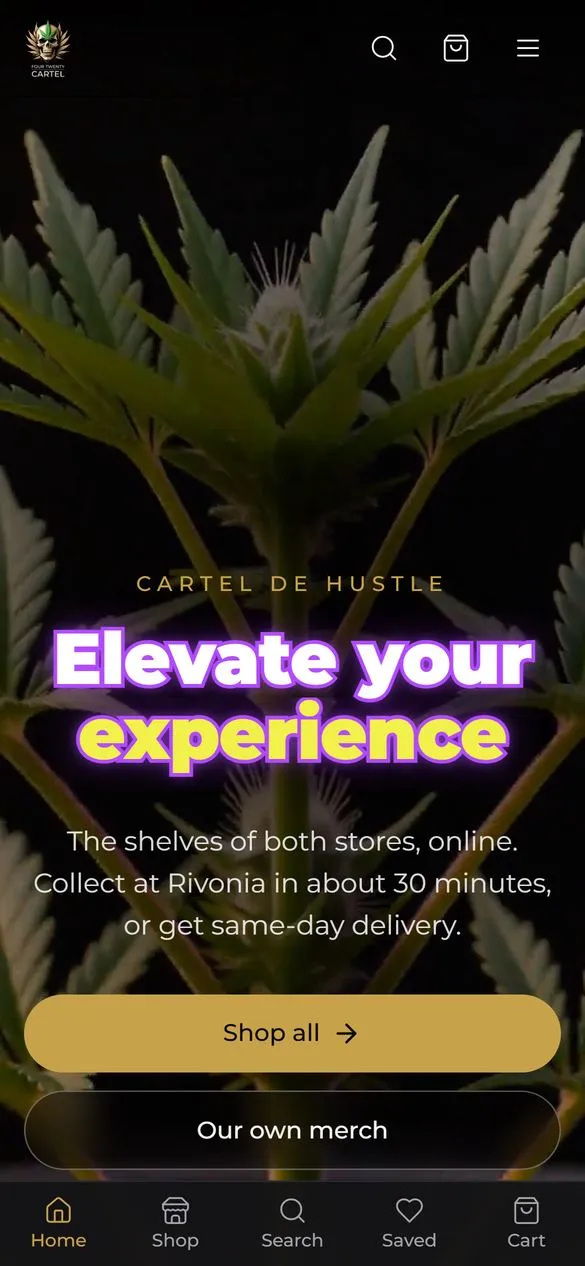
- A short intro film from the shop's own photos and footage. No stock scenery. The real shelf photos were sharpened without AI so labels stay readable.
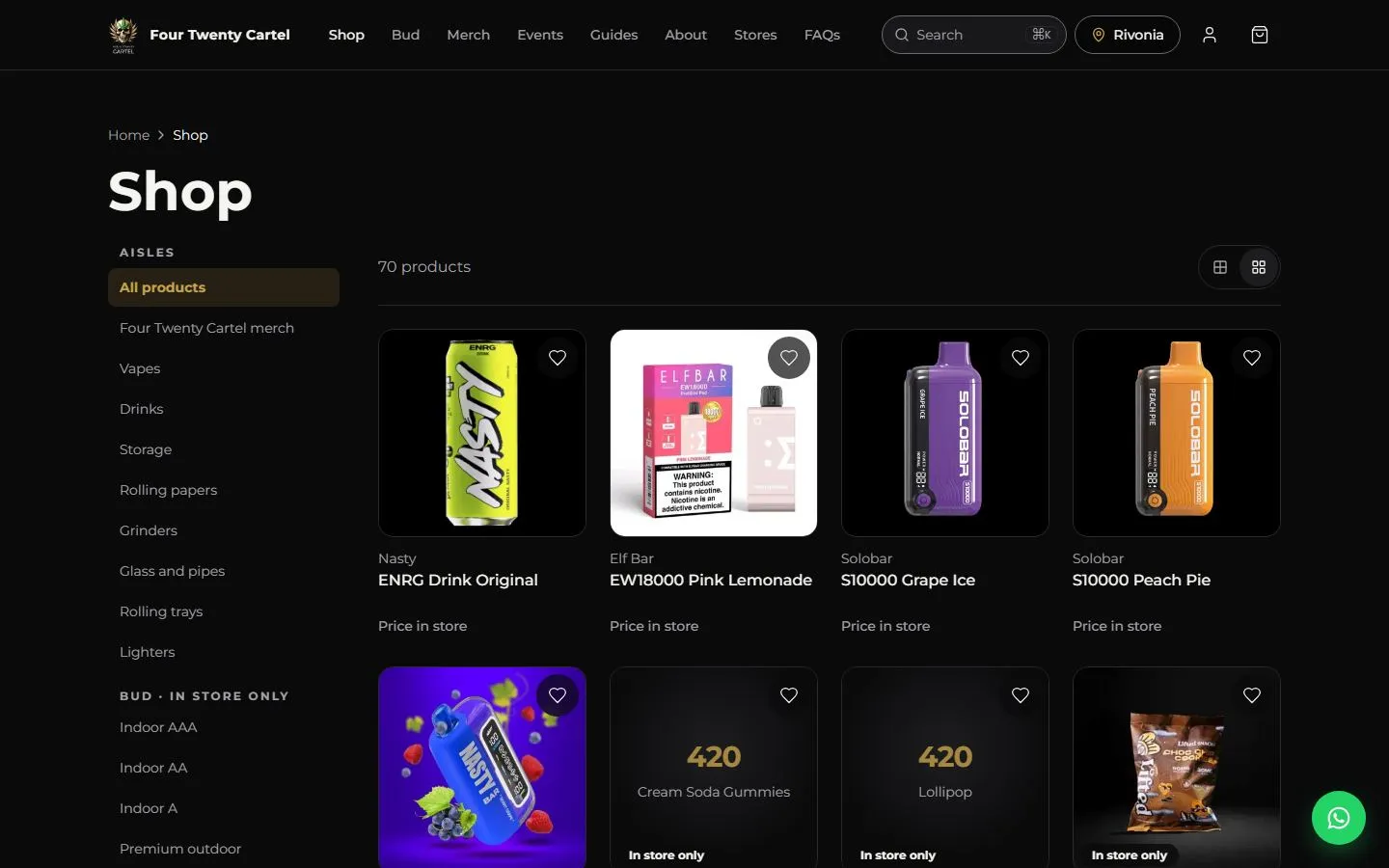
- A catalogue where every product is named from its own packaging photo. Nothing is invented. Items without a price show "price in store".
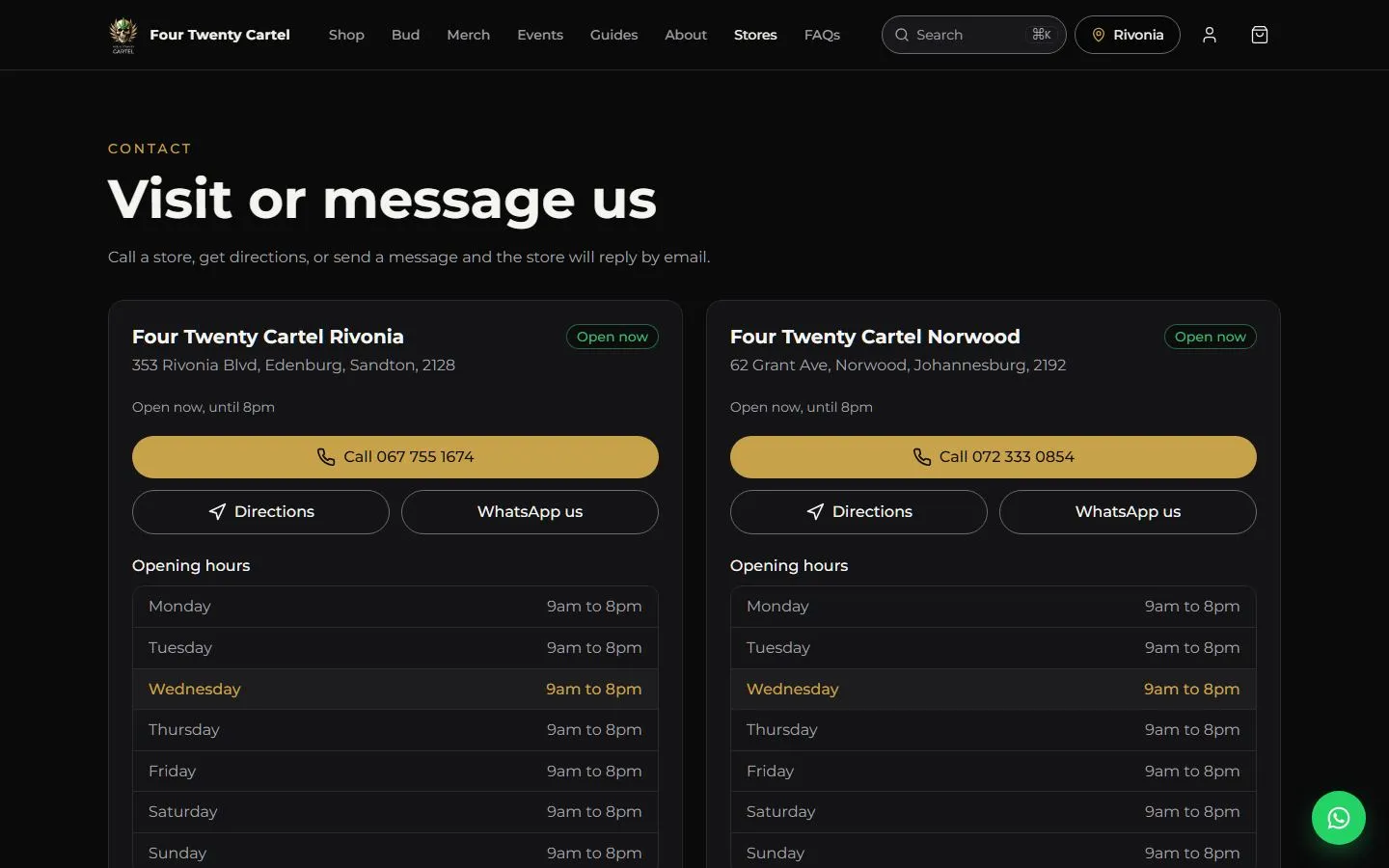
- A store chooser. The reviews section shows the chosen store's own Google reviews, unedited.
- Sign-up and events forms with POPIA opt-in consent. People choose to join, and say so clearly.
- A filter by product type, read only from the pack's own label. If the label does not say it, we do not guess it.
- No online checkout for in-store-only products. They are shown and described, and customers are pointed to the store.
- An owner admin, now in testing. It has owner and staff roles, products with photos and stock, CSV import, a dated audit log and tax invoices.
We tested the site on phone and desktop, because most visitors to a local shop will be on a phone. Our websites service covers builds like this, and our e-commerce and payments service covers checkout where it is allowed.
Three lessons from this build apply to any retailer.
Real photos beat AI imagery for retail trust
A shop's own photos show what is on the shelf. AI imagery shows what a model thinks a shelf looks like. For a retailer, the first builds trust and the second can mislead. Sharpening real photos, rather than regenerating them, kept the packaging accurate.
Never invent product names or prices
It is tempting to fill gaps so the catalogue looks complete. We named each product from its packaging photo and left prices blank when we did not have them. "Price in store" is honest, and it sends the customer to the shop, which is where the business wants them.
Check the rules before you build checkout
Before building any checkout, check what payment providers and ad platforms allow for your product category. Some restrict certain retail categories. It is far cheaper to learn that before the build than after. Our comparison of PayFast, Yoco and Ozow is a good place to start, and each provider's own terms are the final word.
Where it stands now
The site is built and tested, and it launches soon. We are not claiming any results, because it has not been live long enough to have any. When it has, we will update this page with what actually happened.
What this means for your business
If you run a shop, your own photos and your own packaging are your best content. Use them, do not invent what you do not know, and check your category's rules for payments and ads at the start.
If you want a site that reflects the real shop, book a call and bring your photos. We will tell you what can be sold online, what should stay in store, and what it will cost.
More from the site
Common questions
Can a retail website use the shop's own photos instead of stock images?
Yes, and it usually works better. Real photos of your shelves and products show customers what they will find in the store. They build trust because nothing looks staged. Clean them up with careful sharpening, not AI, so that labels and packaging stay readable and accurate.
How do I show products on a website when I have no price for some of them?
Do not guess a price. Show a clear label such as "price in store" and let the customer ask in the shop. An honest gap is better than a wrong number, because a wrong price can cause disputes and damage trust. You can add the price later when you have confirmed it.
What does POPIA mean for sign-up and events forms?
POPIA is South Africa's law on protecting personal information. If a form collects names, emails or numbers, ask for clear opt-in consent, say what you will use the data for, and keep it safe. Do not pre-tick consent boxes. Keep a record so you can show when and how someone agreed.
Why can't some retail products be sold with online checkout?
Some products are legally restricted to in-store sale, and some payment providers and ad platforms limit certain retail categories. Check the rules for your product category before you build checkout. If a product must stay in store, the website can still show it and tell customers which store has it.